Text to Audio Free: Turn Your Words Into Sound in Minutes
Have you ever written something and wished you could just listen to it instead of reading it? Maybe it is a script for a YouTube video. Maybe it is a school lesson. Or maybe your eyes are just tired after a long day.
Turning text into audio solves this problem. You type or paste your words into a tool, and the tool reads them out loud for you. Then you can download the sound file and use it anywhere you like.
The best part is that you do not have to pay for this. There are free tools that turn text into audio in just a few minutes. You do not need a microphone. You do not need to record your own voice. You do not need any editing skills.
In this guide, you will learn what text to audio means, how to do it for free, and how to get clear sound that people enjoy listening to.
What Does Text to Audio Free Mean?
Text to audio means changing written words into spoken sound. You give the tool some text. The tool gives you back an audio file. Simple.
The word free means you do not pay anything. Many online tools let you turn text into audio without asking for money or a credit card. You just open the website, add your text, and get your audio.
These tools use smart computer voices. The voices sound natural, almost like a real person is reading. You can often pick a male or female voice. You can also change the speed. Slow for lessons. Fast for quick notes.
So when people search for text to audio free, they want a simple thing. A free way to hear their words out loud, and a file they can keep and use.
Why Turn Text Into Audio?
There are many good reasons to turn your text into sound.
First, it saves time. Reading a long page takes effort. Listening is easy. You can listen while you cook, walk, or clean your room.
Second, you do not need to record anything yourself. Recording your own voice takes time. You need a quiet room. You need a good microphone. And if you make a mistake, you have to start again. With a free text to audio tool, you skip all of that.
Third, audio reaches more people. Some people prefer to listen instead of read. Some people have weak eyesight and find reading hard. Audio helps them too.
Fourth, you can reuse your content. One blog post can become a podcast episode. One lesson can become audio notes for students. You write once, and you get two things from it.
Write or Paste Your Text
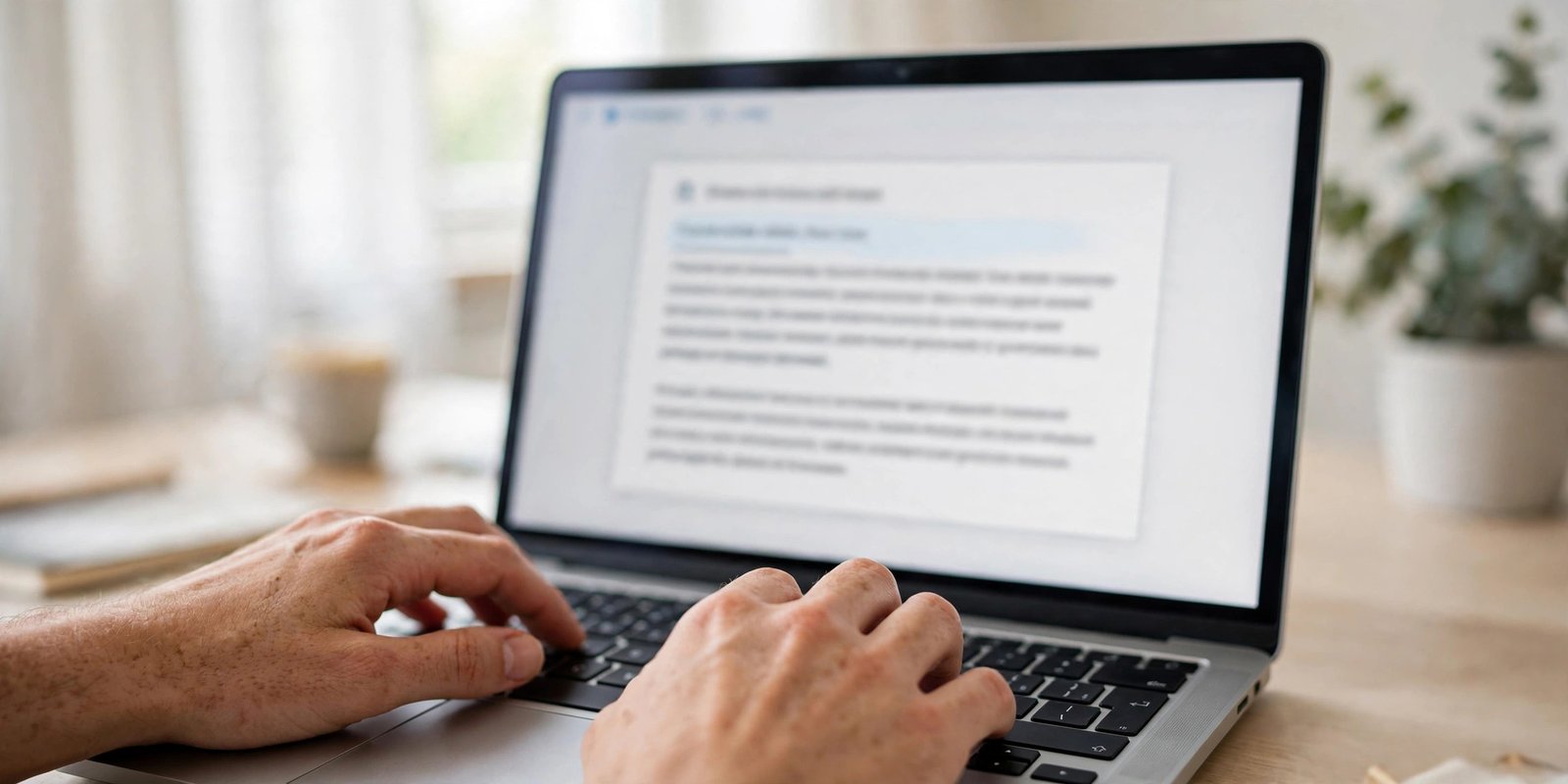
Start with your words. You can write them fresh, or you can copy text you already have. Paste it into the tool’s text box.
Keep your text clean. Short sentences work best. They sound more natural when read out loud. If your text has strange symbols or web links, remove them. The voice will try to read everything, even the parts you do not want to hear.
If your text is very long, break it into smaller parts. Most free tools have a limit on how much text you can turn into audio at one time. Small parts also make it easier to fix mistakes later.
Read your text once before you start. Fix any spelling errors. A wrong word will sound wrong in the audio too.
Choose a Voice and Speed
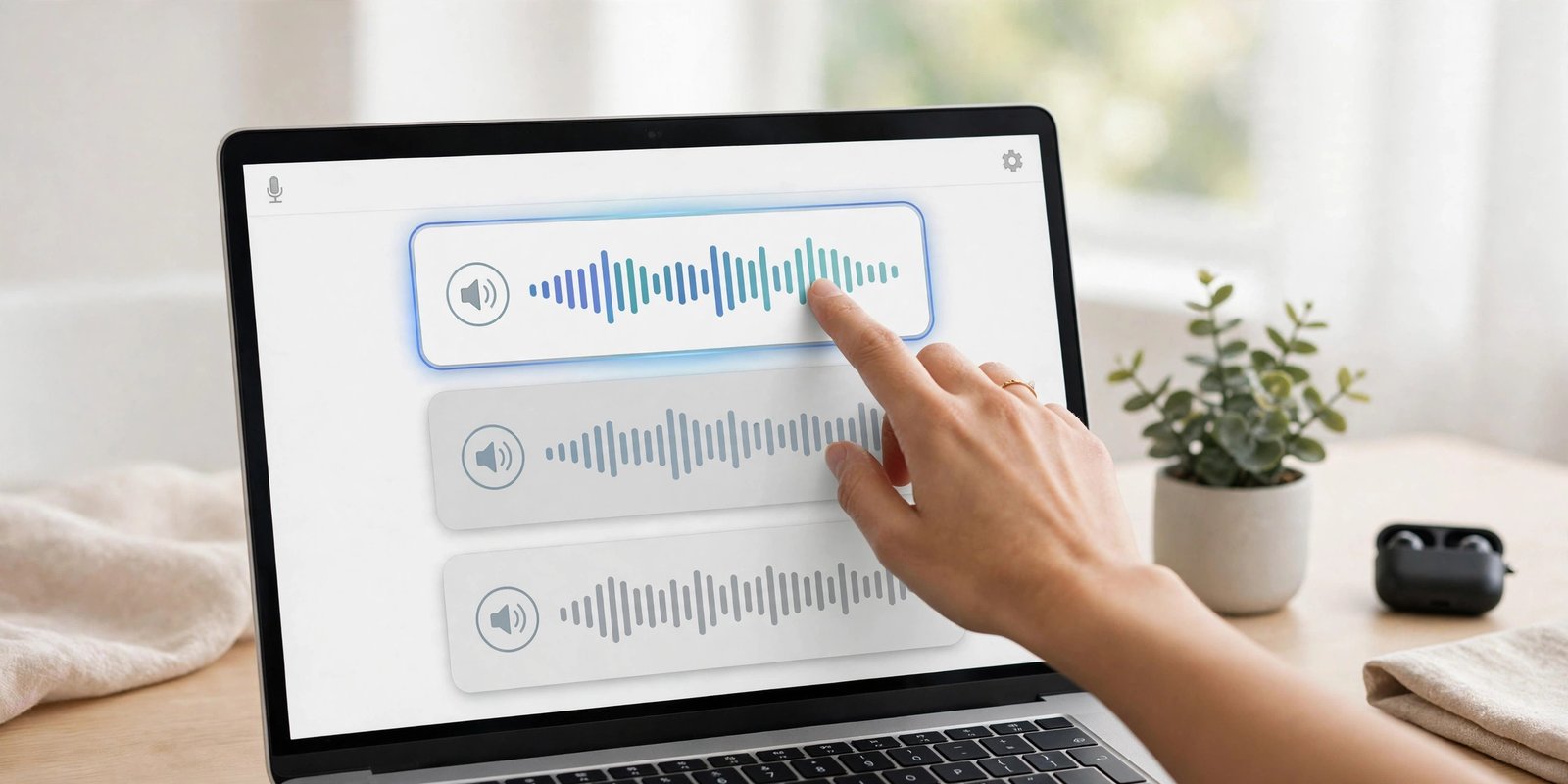
Next, pick a voice you like. Most free tools give you a few voices to choose from. Listen to each one. Pick the voice that fits your topic.
A calm voice works well for lessons and stories. An active voice works well for ads and fun videos. There is no right or wrong here. Just choose what sounds good to your ears.
Then set the speed. Normal speed is fine for most things. If your listeners are learning something new, slow it down a little. If it is just a quick update, you can speed it up.
Some tools also let you pick a language or accent. If your audience speaks Hindi, pick a Hindi voice. If they speak English, pick an English voice. The right language makes a big difference.
Listen and Download the Audio
Now press the play button and listen. This step is important. Do not skip it.
Listen for wrong words. Listen for strange pauses. Listen for parts that sound too fast or too slow. If something sounds off, go back and fix your text or change the voice.
When you are happy with the sound, download the file. Most free tools give you an MP3 or WAV file. Save it on your computer or phone. Now the audio is yours. You can use it in a video, a podcast, or a class.
And that is it. Three simple actions. Write, choose, download.
Free Text to Audio vs Other Options
Not sure which way to go? Here is a simple comparison.
| Feature | Free Text to Audio Tool | Paid Voice Software | Recording Yourself |
|---|---|---|---|
| Cost | Free | Monthly fee | Free, but needs gear |
| Ease of use | Very easy | Easy | Hard for beginners |
| Voice quality | Natural AI voices | Very natural | Depends on you |
| Speed | Ready in minutes | Ready in minutes | Takes hours |
| Equipment | Nothing needed | Nothing needed | Mic and quiet room |
| Best for | Beginners and creators | Big teams | Personal touch |
For most people, a free text to audio tool is the smart choice. It costs nothing, it is fast, and the quality is good enough for YouTube, podcasts, and school work.
Best Ways to Use Free Text to Audio
Once you have your audio file, many doors open. Here are the most popular uses.
YouTube videos. Many YouTubers use text to audio for their voiceovers. They write a script, turn it into audio, and add it to their video. No mic needed. We explain this full process in our guide about making a free voiceover for your YouTube videos.
Podcasts. Have a blog? Turn your posts into podcast episodes. Your readers can now become your listeners too.
Online courses. Teachers turn lessons into audio. Students can listen while they travel or do housework. Learning becomes easier.
Listening on the go. Turn long articles into audio and listen during a walk or a bus ride. Your free time becomes learning time.
Helping others. Audio helps people who cannot read well. Your content can reach them too.
Tips for Clear and Natural Audio
Want your audio to sound its best? Follow these simple tips.
Use short sentences. Long sentences confuse the voice. Short ones sound clear and friendly.
Use simple words. Hard words are hard to say, even for a computer voice. Simple words always win.
Add commas where you would pause. A comma tells the voice to take a small breath. This makes the speech sound human.
Test more than one voice. The first voice you try may not be the best one. Listen to three or four voices before you decide.
Match the speed to your topic. Slow down for teaching. Keep it normal for stories. Speed up only for quick notes.
Break big projects into parts. Turn one section into audio at a time. Then join the files together. This gives you more control.
Mistakes to Avoid
Many beginners make the same mistakes. Here is how to avoid them.
Do not paste messy text. Web links, emojis, and strange symbols will sound bad. Clean your text first.
Do not skip the listening step. Always listen to the full audio once. You will catch small errors that your eyes missed.
Do not pick the wrong voice. A sleepy voice will ruin a fun video. A fast voice will ruin a calm lesson. Match the voice to the mood.
Do not make the text too long in one go. Very long text can cause errors. Small parts are safer and easier to fix.
Do not forget your audience. Ask yourself one question. Who will listen to this? A student? A buyer? A friend? Write and choose your voice for that person.
Frequently Asked Questions
Is text to audio free really free?
Yes. Many tools let you turn text into audio without paying. Some have daily limits, but for normal use they are enough.
What file do I get?
Most tools give you an MP3 or WAV file. Both work in video editors, podcast apps, and music players.
Can I use the audio in my YouTube videos?
In most cases, yes. But always check the tool’s rules. Free tools usually allow personal and commercial use, yet it is smart to read their terms once.
Do I need to create an account?
Many free tools do not ask for signup. You open the page, paste your text, and download your audio. That is it.
How much text can I convert at once?
It depends on the tool. Many free tools allow a few thousand characters per turn. For longer work, split your text into parts.
Will the voice sound like a robot?
Old tools sounded robotic. New AI voices sound much more natural. Pick a good voice and use short sentences, and most listeners will not notice the difference.
Try It Free Today
You now know everything you need. You know what text to audio means. You know how to do it free. You know how to make it sound good.
So do not wait. Open a free text to speech tool and turn your first paragraph into audio. In two minutes, you will hear your own words come to life.
Start small. Turn one page into audio today. Tomorrow, turn a full script into a video voiceover. Each time, it gets faster and easier.
Your words deserve to be heard. Go make some audio.
Conclusion
Turning text into audio for free is one of the easiest skills you can learn online. You do not need money. You do not need equipment. You do not need experience.
Write your text. Pick a voice you like. Download the audio. That is the whole process.
Whether you make YouTube videos, teach students, or just want to listen instead of read, free text to audio tools are here to help. Try one today, and hear the difference yourself.